Visual Pattern Break
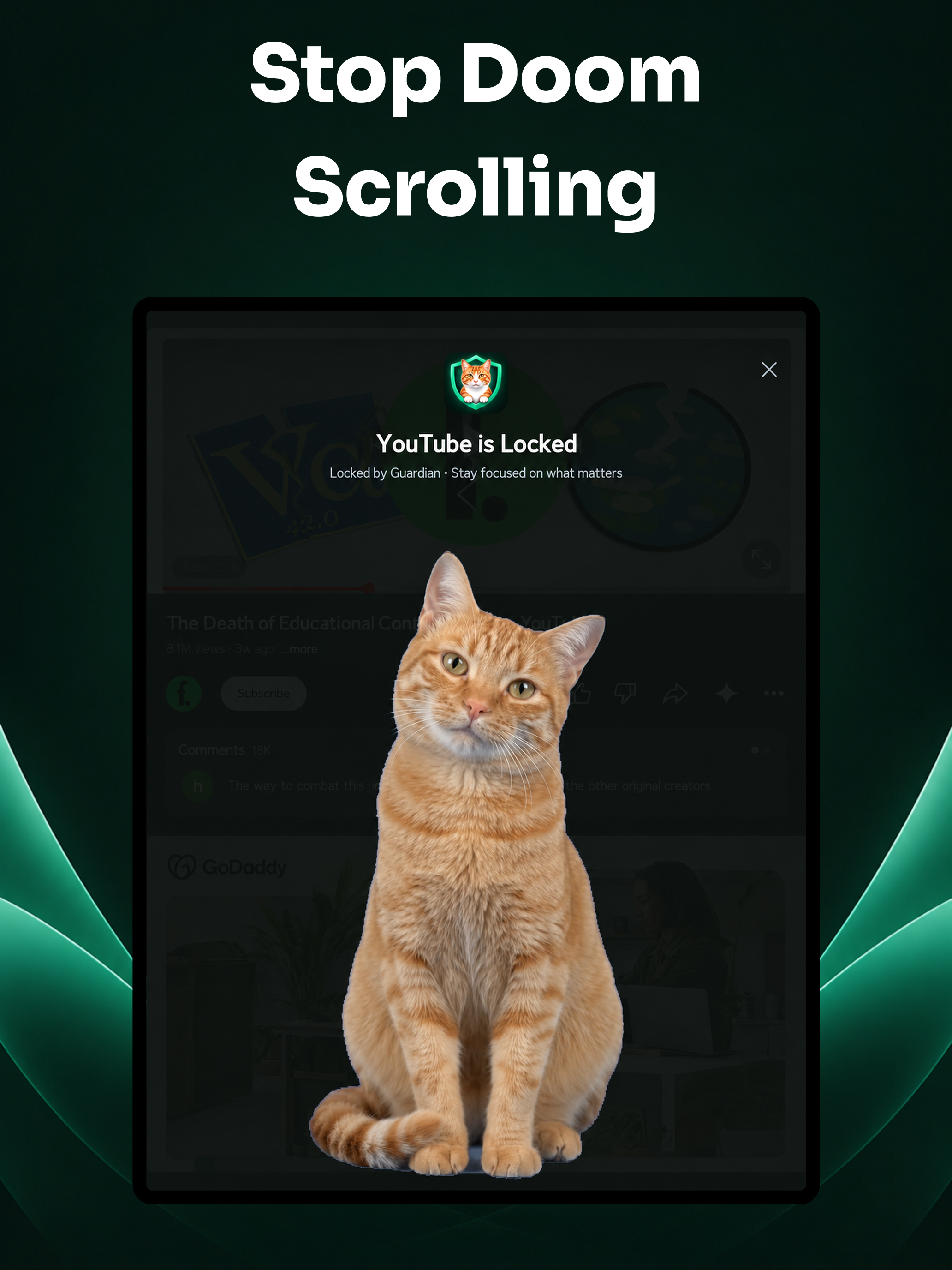
Your dopamine loop relies on continuous motion: swipe, video, swipe, dopamine hit. When a full-sized cat drops right across the video player, your trance breaks immediately.
You picked up your phone to verify a login. Forty-five minutes later, you are watching a stranger repair a Victorian clock. Willpower stood zero chance. Cat Gatekeeper sends an unapologetic animal right across your screen until your forced break is up.
You know that small grey notification that says "You have reached your limit on Instagram"? You swat it away like a mosquito. Here is why an animated animal actually works.
Your dopamine loop relies on continuous motion: swipe, video, swipe, dopamine hit. When a full-sized cat drops right across the video player, your trance breaks immediately.
Productivity apps love to scold you with graphs showing you wasted 3 hours today. Cat Gatekeeper skips the moralizing lecture. It just sits on your screen, purrs, and gives you a minute to breathe.
Every break includes a concrete physical prompt: look 20 feet away for 20 seconds, roll your neck, drink cold water. Small interruptions keep your eyes and brain from burning out.
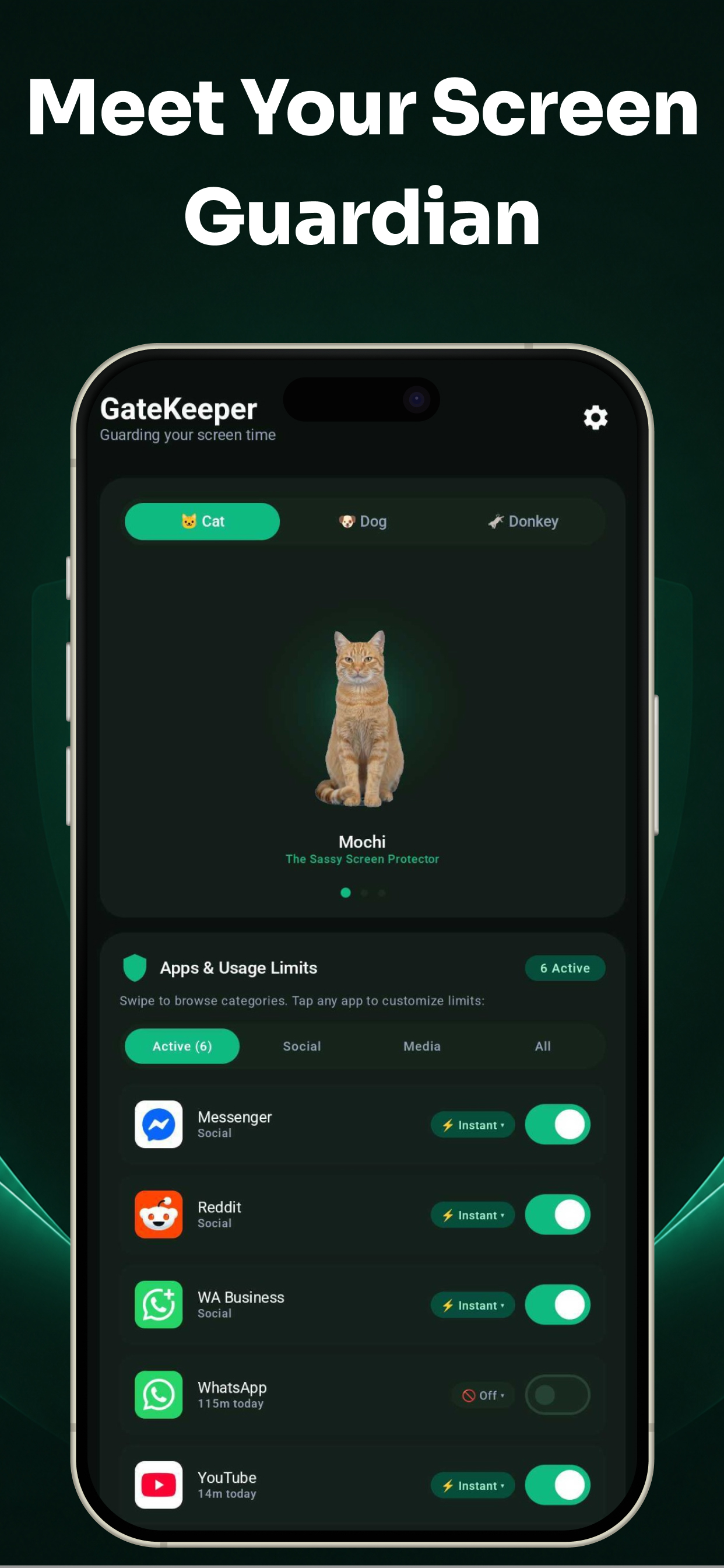
Every guardian brings their own personality, audio cues, and style of screen takeover. Switch anytime with a single tap.
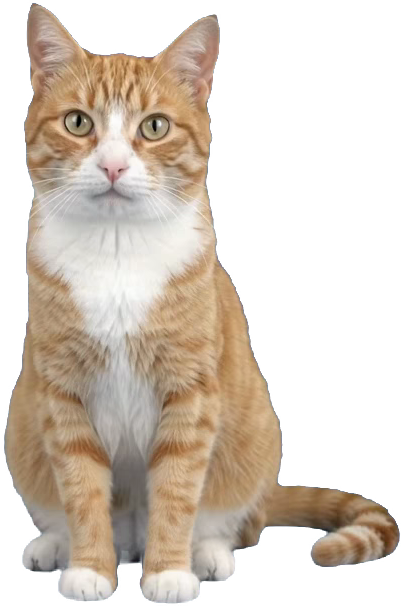
Unimpressed by your need to watch another reel. Mochi sits directly in front of whatever you were reading, looks you dead in the eye, and waits for the timer to tick down.
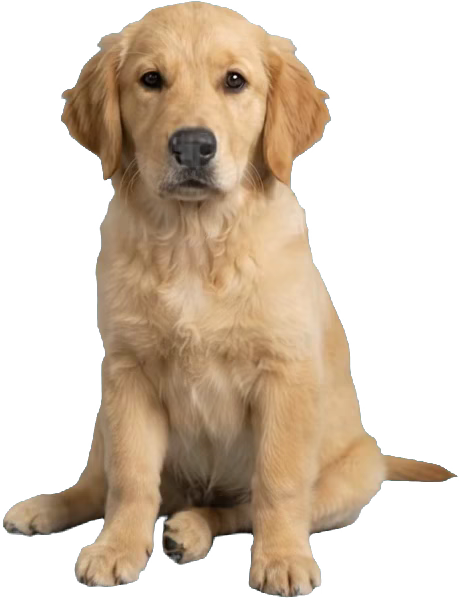
A cheerful golden retriever who genuinely believes you have worked hard enough. Scout wants you to stand up, stretch your back, and maybe step outside for fresh air.
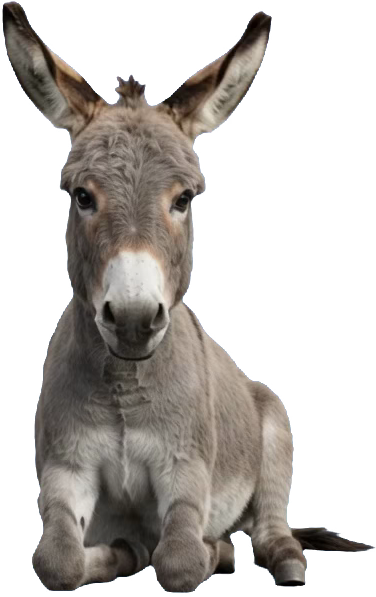
Stubborn, serene, and completely immovable. When Barnaby takes over your screen, no amount of negotiation will make him move until the break is finished.
Different distraction loops require different tools. Install on Android to catch short-form video traps, or on Chrome to keep your browser tabs honest.
Specifically built to break endless short-form loops on TikTok, Instagram Reels, YouTube Shorts, and X.
Monitors active reading time on domains you select. Automatically pauses tracking when you switch tabs or leave your desk.
| Feature | 🐾 Cat Gatekeeper | Standard OS Limits | Grayscale Mode |
|---|---|---|---|
| Pattern Interruption | Full animated takeover with Mochi/Scout | Tiny banner in notification tray | Just turns colors grey |
| Dismiss Difficulty | Mandatory countdown or PIN required | 1 tap ("Ignore for 15 minutes") | Disabled easily in settings |
| Active Tab Detection | Pauses when you switch tabs or leave | Counts whole browser open time | None |
| Data Privacy | 100% on-device, zero cloud telemetry | Tied to Google/Apple cloud accounts | Local OS |
| Mood & Emotional Tone | Delightful, warm, purrs & stretches | Sterile corporate charts | Depressing washed-out screen |
The Chrome extension operates locally inside your browser storage. It does not transmit URLs, history, or usage data to external servers. On Android, the app uses standard accessibility permissions purely to detect when an app on your personal blocklist opens. No account to create, no tracking IDs, and no advertising networks.
Everything you might wonder about permissions, battery usage, and bypass prevention.
Android requires this permission so the app can identify when an app on your blocklist (such as YouTube or TikTok) is opened, and immediately present your feline guardian. It does not record keystrokes or read private messages.
No. The extension only inspects the current active tab's domain to compare it against the websites you personally chose to monitor. Your statistics and limits remain stored in your browser's local storage.
In Gentle Mode, you receive limited daily snoozes for emergencies. In Strict Mode, the timer locks interaction until the break ends. On Android, you can also enable a 4-digit PIN to prevent impulse adjustments.
Cat Gatekeeper is engineered to remain completely idle until an app on your monitored list opens. It does not run heavy background tasks or GPS tracking.
No. You can use either one or both depending on where you lose time. Many users keep the extension on their work laptop and the app on their personal phone.